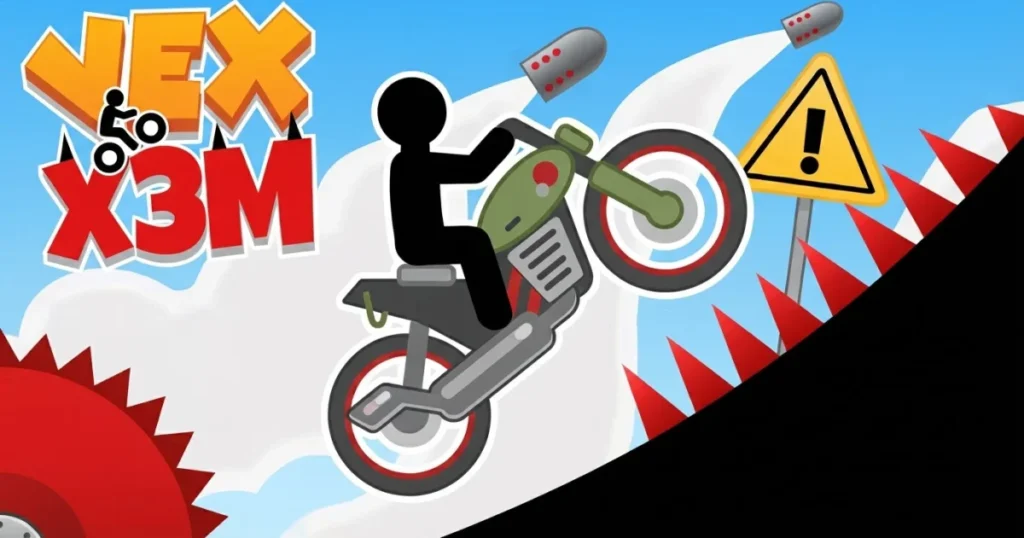













Vex X3M combines the precision platforming of the classic Vex series with high-speed motorcycle mayhem. You’ll race through trap-filled courses packed with spikes, explosions, and physics-defying jumps, chasing three-star times on every level. The game rewards tight control and quick reflexes as you flip, dodge, and boost your way to the finish line. 🩷
Table of Contents+
What Is Vex X3M?
Vex X3M is a stunt bike racing game that merges the brutal difficulty of the Vex platformer (what a platformer game is.) series with motorcycle trial mechanics. You pilot a rider through obstacle courses filled with spinning blades, crumbling platforms, and explosive barrels. Each level demands perfect timing and route memorization, with a star rating system that pushes you to shave seconds off your runs. The game blends trial bike physics with the instant-death traps the Vex franchise is known for, creating a challenging hybrid that tests both speed and survival skills.
Gameplay and Mechanics
The core loop revolves around accelerating, braking, and tilting your bike mid-air to land safely. Hit a spike or crash too hard, and you restart from the last checkpoint. Levels introduce new hazards gradually—swinging axes, laser grids, and collapsing bridges—forcing you to adapt your approach. The physics engine makes every flip and rotation matter, so sloppy landings cost you time or your life.
Level Design and Progression
Courses start simple but quickly escalate into gauntlets of moving parts and split-second decisions. Checkpoints are generous enough to prevent frustration, but sparse enough that mistakes still sting. Later stages combine multiple hazards in sequence, demanding flawless execution. The three-star system encourages replays, with gold times requiring near-perfect runs that eliminate hesitation.
Hard Mode Challenges
Once you’ve cleared the standard campaign, vex x3m hard mode unlocks tougher variants of existing levels. Checkpoints get removed, hazards move faster, and timing windows shrink. This mode separates casual players from speedrunners, offering a real test for anyone who’s mastered the base game. Expect to memorize every jump and trap placement to survive.
Stunt System and Scoring
Pulling off flips and spins during jumps doesn’t just look cool—it shaves fractions of a second off your time when executed cleanly. The game rewards risky mid-air rotations, but only if you stick the landing. Crash mid-flip, and you lose more time than you gained. Balancing showboating with safety becomes key to chasing leaderboard spots.
How to Play Vex X3M
Getting started with vex x3m game is straightforward: accelerate, avoid traps, and reach the finish flag. The challenge comes from mastering the bike’s tilt controls and learning each level’s rhythm. On desktop, you’ll use keyboard inputs for movement and rotation. On mobile, touch controls handle acceleration and tilting. Both control schemes offer tight responsiveness once you build muscle memory.
Vex X3M Controls
On desktop, the arrow keys or WASD handle movement—up or W to accelerate, down or S to brake and reverse, left or A to tilt backward, and right or D to tilt forward. Tilting adjusts your bike’s angle mid-air, critical for landing jumps safely. On mobile, tap the right side of the screen to accelerate, the left side to brake, and swipe to tilt your rider. The controls are simple, but precision matters—over-tilting leads to crashes, while under-tilting causes rough landings that slow you down.
Browser Compatibility
Vex X3M runs smoothly in Chrome, Edge, and Firefox without plugins or downloads. The game loads quickly and maintains stable frame rates even during explosion-heavy sequences. If you encounter issues, clear your browser cache or disable extensions that block scripts. The web version delivers the full experience with no compromises.
Tips and Tricks for Vex X3M
Memorize checkpoint-to-checkpoint segments: Break each level into chunks between checkpoints, perfecting one section before worrying about the next. This reduces frustration and helps you identify exactly where you’re losing time.
Use brake taps to control speed: Tapping the brake mid-air or before jumps gives you finer control over your trajectory. Full-throttle runs look impressive but often lead to overshooting platforms or hitting hazards you could’ve dodged.
Land rear-wheel-first on steep ramps: Touching down with your back wheel on downward slopes prevents bounces and keeps your speed consistent. Front-wheel landings cause wobbles that cost precious milliseconds.
Watch for visual cues on moving hazards: Spinning blades and swinging axes follow predictable patterns. Wait one full cycle to learn the timing before attempting a run. Rushing in blind wastes more time than a cautious first pass.
Restart immediately after major mistakes: If you crash early in a level while chasing a three-star time, hit restart rather than continuing. A flawed run won’t hit the target time, so cut your losses and start fresh with the route in mind.
Where to Play Vex X3M
You can play vex x3m online right now on Arcazi.com, free in your browser with no download or installation required. The game runs on both desktop and mobile, so you can chase those three-star times whether you’re at a keyboard or on a touchscreen. Jump in and start racing—your first checkpoint is just a click away.
Common Questions About Vex X3M
Players often ask about starting the game, troubleshooting load issues, and understanding the different modes. Here are the most frequently searched questions about vex x3m 2 and the series, answered clearly.
How to start vex x3m?
Click or tap the play button on the main menu, then select the first level. The game begins immediately—no account creation or tutorial required. Use the arrow keys or on-screen controls to accelerate and start your run.
Why is vex x3m not working?
If vex x3m not loading or freezing, first refresh your browser and clear the cache. Disable ad blockers or script-blocking extensions, as they can interfere with the game’s assets. Switching to Chrome or Firefox often resolves compatibility issues if you’re using an older browser.
Why doesn’t vex x3m work on some sites?
Some mirrors or third-party hosts use outdated files or broken embed codes. If the game doesn’t load or crashes repeatedly, try playing on Arcazi.com instead, where the latest stable build is hosted. Network firewalls at schools or workplaces may also block game assets.
If you’re new to Vex and want to learn some practical tips from other players, you can also check out this discussion about getting started with Vex.
For Parents
Vex X3M features cartoon violence in the form of a stick-figure rider crashing into spikes, explosions, and sawblades. Deaths are frequent but bloodless, with the character simply respawning at the last checkpoint. The game’s difficulty encourages persistence and problem-solving, though younger players may find the trial-and-error gameplay frustrating. There’s no chat, multiplayer interaction, or inappropriate content—just pure skill-based racing with instant-death hazards.
More Stunt Racing Games to Try
FAQs About Vex X3M
Is Vex X3M free to play?
Yes, the game is completely free on Arcazi.com with no hidden costs, subscriptions, or paywalls. All levels and modes are accessible from the start.
Do I need to download vex x3m?
No download is required. The game runs entirely in your web browser on desktop and mobile devices. Just load the page and start playing immediately.
Can I play vex x3m 2 on iOS or Android?
The browser version works on mobile devices through Safari, Chrome, or any modern mobile browser. There’s no separate app, but the touch controls are optimized for phones and tablets.
What is vex x3m 3?
Vex X3M 3 refers to potential sequels or numbered entries in the X3M series. The core gameplay remains consistent across versions—stunt bike racing with deadly traps and time-based scoring.
How do I unlock hard mode in the game?
Complete all standard levels to unlock vex x3m hard mode. This variant removes checkpoints and increases hazard speed, offering a brutal challenge for experienced players.
Why does the game lag on my browser?
Close unnecessary tabs and disable resource-heavy extensions. Older devices may struggle with the physics engine during explosion-heavy sequences. Switching to a lighter browser like Firefox can improve performance.
Can I save my progress in Vex X3M?
Progress saves automatically in your browser’s local storage. Clearing cookies or switching devices will reset your progress, so stick to one browser for consistent saves.